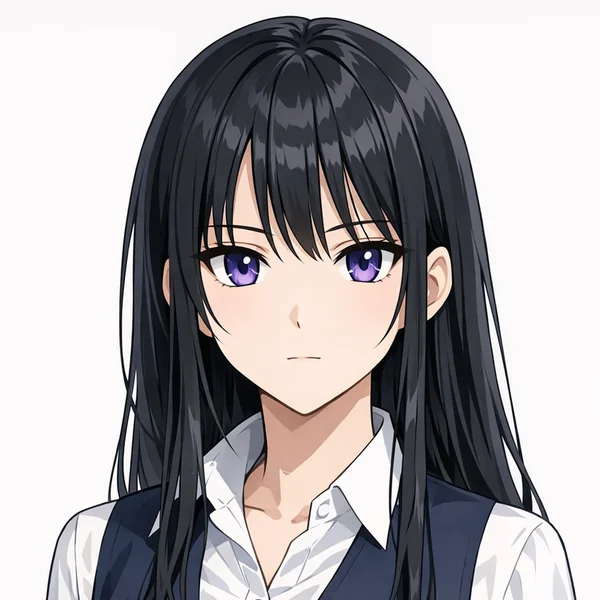
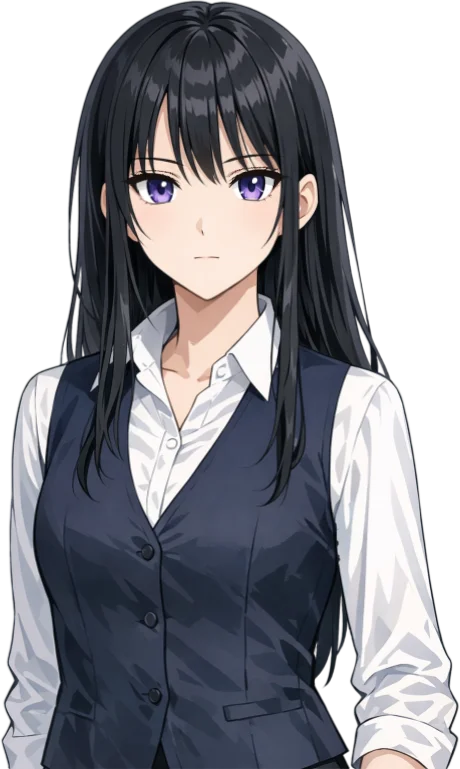
What is a VTuber maker?
A VTuber maker turns a character into an avatar you can stream as. The usual way takes three people: an artist draws the character in layers, a rigger connects every layer so it can move, and you set up tracking software. That takes weeks and usually costs hundreds of dollars or more.
MyVTuber does the layering and the rigging for you. Upload one picture of your character, a drawing, a commission or a PNG, and you get a 2D VTuber avatar that blinks, looks around, talks, shows expressions and moves its hair. It follows your face through your webcam, right in your browser.
| Making a VTuber the usual way | The MyVTuber maker | |
|---|---|---|
| Art | Drawn in separate layers | One picture, any art |
| Rigging | Hired rigger, by hand | Done for you, automatically |
| Software | Download and set up | Online, nothing to install |
| Time | Weeks | About 30 minutes |
| Cost | Hundreds of dollars or more | Free avatars, your own for $19/mo |
Make a VTuber in 3 steps
Upload a picture
Your character, facing you, face clearly visible.
We layer and rig it
Eyes, mouth, hair and body, ready to move.
Go live
Stream in OBS, or join calls as your avatar.
A free VTuber maker, no download
No art yet? Start with a free avatar
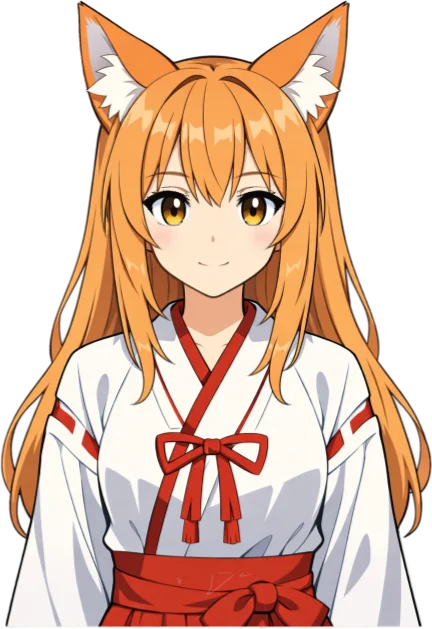
Pick a premade avatar, from fox girl to queen, and stream with it for free, forever. When you have your own character, upload its picture and go Pro: $19 a month, with a money-back guarantee. Your avatar works on stream and in calls while you're on Pro. Cancel anytime, and it's waiting if you come back.
Your picture, your rules
What works best
One character, facing you, with the whole head in view and a plain background. Anime, chibi and mascot styles all work. Art from an artist you commission works great, and a layered PSD gives the best result, because we rig your own layers.
Private by design
Face tracking runs on your device, and your camera video never leaves it. Your art stays yours. Read more about our free VTuber software, what a VTuber model costs elsewhere, or how to become a VTuber.

A VTuber maker that makes a VTuber
Search for a VTuber maker and most of what you find are AI image generators. You type a prompt or upload a photo and get a nice anime picture back. That picture can't blink, talk or follow your face. Before you can stream with it, someone still has to cut it into layers and rig every layer to move.
The MyVTuber maker starts where those tools stop. You bring a picture, and you get a working VTuber avatar: separate layers for the eyes, eyelids, mouth, brows, hair and body, a rig that connects them, and face tracking that drives it live from your webcam. Already have your character, drawn by you or by an artist? Upload that picture here and it starts to move.
Ways to make a VTuber model, compared
Draw and rig it yourself
Draw your character in many separate layers, then rig it in a 2D rigging program. Free versions exist and you get full control, but expect dozens of hours to learn rigging before your first model moves the way you want.
Commission an artist and a rigger
The classic route, and still the way to go for professional VTubers: one artist draws the layered character, a rigger makes it move. It usually takes weeks and costs hundreds to thousands of dollars. Our VTuber model cost guide breaks the prices down, and our VTuber commissions page explains how it works.
3D character creator apps
Build a 3D avatar from sliders and presets. Free, quick and fun, but you build from the app's presets, not from your own art.
AI image generators
They make a picture of a character. A picture is not a VTuber model: it has no layers and no rig, so it can't move.
MyVTuber
Your own picture, layered and rigged automatically in about 30 minutes, with face tracking and OBS output built in. Free premade avatars to start, your own character for $19 a month.
The best picture for a VTuber maker
The picture decides most of how your avatar turns out. Before you upload, the maker checks it and tells you what to fix. These are the things it looks for:
- One character, drawn, not a photo of a real person.
- Facing you. A slight angle is fine; a side view is not.
- The whole head in view, with the shoulders. Full body works too.
- Mouth closed, so the avatar can open and close it as you talk.
- Hands away from the face and hair, and nothing covering the eyes or mouth. Glasses and hats are fine.
- A plain background and a sharp picture, ideally 1000 pixels or more.
- Anime, chibi or mascot style. Very realistic drawings come out poorly for now.
Have a layered PSD of your character? Upload that instead. We rig your own layers, so it stays closest to your art.
2D or 3D VTuber?
A 2D VTuber keeps the exact look of a drawing and runs on almost any computer. Most VTubers start in 2D, and most VTuber art is drawn that way. A 3D VTuber can turn all the way around and move its whole body, but it needs a 3D model and more setup. The MyVTuber maker makes 2D avatars: your drawing, alive.
Does it work on a phone?
You can open the studio on a phone to try the avatars and the tracking. To stream, use a computer with Chrome or Edge and OBS, where your avatar goes in as a browser source. Want to check your camera first? Use the free VTuber tester.
VTuber maker questions
Is this VTuber maker free?
Yes. Every premade avatar is free to use forever, with webcam tracking and OBS output. Turning your own picture into an avatar is $19 a month, with a money-back guarantee.
Do I need to download anything?
No. The VTuber maker runs online in Chrome or Edge. There is no app to install, and face tracking runs on your own device, so your camera video never leaves it.
Can I make a VTuber model from a picture?
Yes. Upload one picture of your character: a drawing, a commission or a PNG. A front-facing character with the face clearly visible and a plain background works best. Have a layered PSD from your artist? Upload that and we rig your own layers. We cut it into layers and rig every part to move.
Is it an AI VTuber maker?
Partly. AI splits your picture into layers and helps rig them, and our own pipeline does the rest. Your art stays yours: we only use it to make your avatar.
Is it 2D or 3D?
2D. Your avatar keeps the look of your drawing, and it blinks, looks around, talks, shows expressions and has hair physics.
How long does it take?
Free avatars are ready right away. An avatar from your own picture takes about 30 minutes to make.
Does it work with OBS, Discord and Zoom?
Yes. Add your avatar to OBS or Streamlabs as a browser source, or use OBS's virtual camera to show up as your avatar in Discord, Zoom or Meet.
Do I need a webcam?
No. A webcam gives you full face tracking, and there is also a mic-only mode where the mouth follows your voice.
Can I make a VTuber from a photo of myself?
Not directly. The maker needs a drawn character, so photos of real people are turned away. Draw or generate an anime version of yourself first, then upload that picture.
Can I use a picture made with AI?
Yes, as long as you have the right to use it. Upload it like any other picture and the maker layers and rigs it.
How do I make my own VTuber model for free?
Start with a free premade avatar: it costs nothing, forever. Making an avatar from your own picture is $19 a month, and you get your money back if you are not happy.
What do I need to start VTubing?
A computer with Chrome or Edge, a webcam and an avatar. Add OBS to stream on Twitch or YouTube. Our guide on how to become a VTuber walks through every step.
Make your VTuber
One picture in, a live avatar out. Start free, money back if you are not happy.
Get my avatar