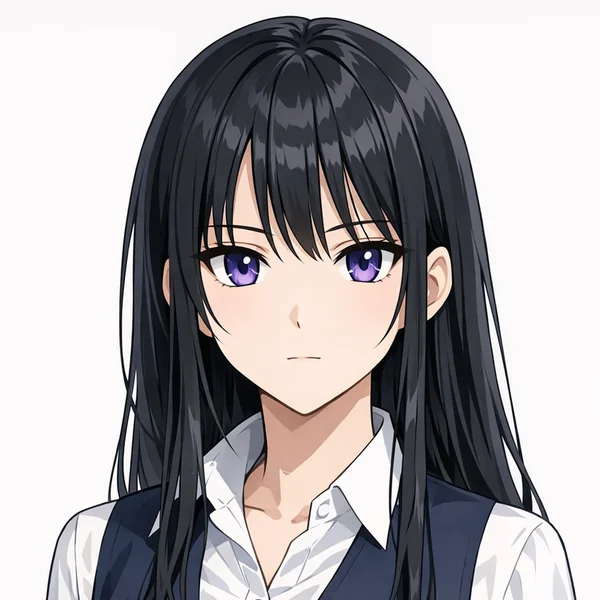
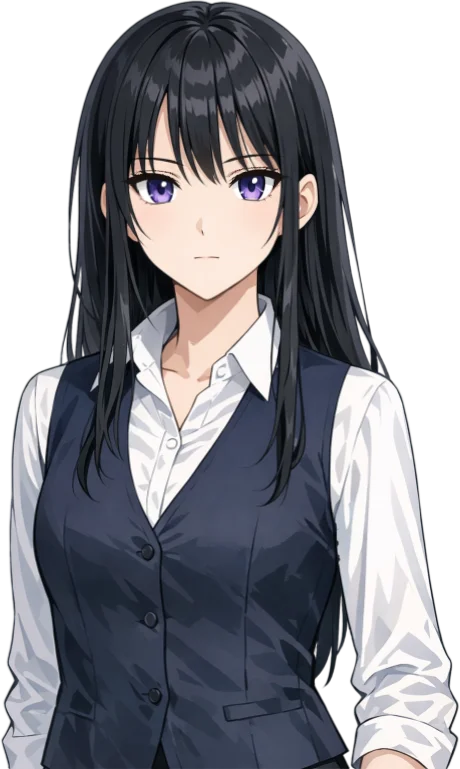
What is a PNGTuber?
A PNGTuber is a streamer who shows a PNG image instead of their camera. The png tuber format is simple: one still picture for when you are quiet and another for when you talk. Your microphone swaps the images or makes the picture bounce. It is cheap, quick and charming, which is why so many people start there.
MyVTuber takes that same single PNG and turns it into a fully rigged 2D avatar. It blinks, looks around, moves its mouth, shows expressions and has hair physics, all driven by your webcam in the browser. You get the easy start of a PNGTuber avatar with the life of a VTuber.
| Classic PNGTuber | MyVTuber from your PNG | |
|---|---|---|
| Art | Still images that swap or bounce | One PNG, layered and rigged |
| Driven by | Your microphone | Webcam face tracking, or mic-only |
| Movement | Talking and idle frames | Blinks, looks, mouth, expressions, hair |
| Setup | Draw two or more frames | Upload one PNG, we do the rest |
| Cost | Often free | Free premade avatars, own PNG for $19/mo |
Make your PNGTuber in 3 steps
Upload your PNG
The art you already have works fine.
We layer and rig it
Eyes, mouth, hair and body, ready to move.
Go live in OBS
Add one browser source and stream.
How to make a PNGTuber
There are two ways to make a PNGTuber avatar.
The classic way
Draw or commission a PNGTuber model: at least two images, one with the mouth closed and one with it open, plus more if you want blinking. Load them into a PNGTuber app, set your microphone level so the images swap when you talk, then capture that app in OBS.
The MyVTuber way
Upload one PNG, ideally with the mouth closed. We split it into layers and rig it, so there are no extra frames to draw. In up to 30 minutes it blinks, talks and follows your face. Already have a PNGTuber model? Its mouth-closed image is all you need.
PNGTuber software, no download
Most PNGTuber software is a program you download and set up. MyVTuber is a PNGTuber app that runs in your browser. Open it in Chrome or Edge, pick an avatar and turn on your webcam or microphone.
PNGTuber in OBS
Add your avatar to OBS or Streamlabs as a browser source, with a green or transparent background.
PNGTuber on Discord
Use OBS's virtual camera to show up as your avatar in Discord, Zoom or Meet calls.
PNGTuber commissions
Did you commission PNGTuber art from an artist? That art works here as it is, and with a layered PSD we rig their own layers. Want a full custom model instead? See VTuber commissions.
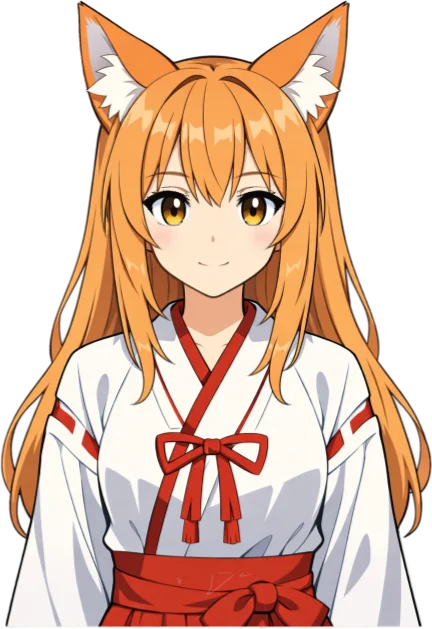
A free PNGTuber, forever
No art yet? Start free
Pick a premade avatar, from fox girl to queen, and use it for free forever. Want your own PNG brought to life? It is $19 a month, with a money-back guarantee.
PNG to VTuber, privately
Your camera stays yours
Face tracking runs on your own device, in Chrome or Edge. Your webcam video never leaves it. Nothing to install. Curious about the app side? Read about our free VTuber software or grab a free VTuber model.

PNGTuber questions
Is it free?
Yes. Every premade avatar is free, forever. Turning your own PNG into an avatar is $19 a month, with a money-back guarantee.
Can I use my existing PNGTuber art?
Yes. Upload the PNG you already use. A front-facing character with a clearly visible face and a plain background works best. We split it into layers and rig it for you.
Does it work with OBS?
Yes. Add your avatar to OBS or Streamlabs as a browser source with a green or transparent background and you are live.
What's the difference between a PNGTuber and a VTuber?
A PNGTuber uses still images that bounce or swap when you talk. A VTuber uses a rigged avatar that follows your face, so it blinks, looks around and shows expressions.
Do I need a webcam?
No. A webcam gives you full face tracking, but there is also a mic-only mode where the mouth follows your microphone, just like a PNGTuber.
How do I make a PNGTuber?
Upload one PNG of your character. We split it into layers and rig it, then you add it to OBS as a browser source. The classic way is to draw a mouth-closed and a mouth-open image and load them into a PNGTuber app.
Do I need to download PNGTuber software?
No. MyVTuber runs in Chrome or Edge, so there is nothing to install.
Can I use my PNGTuber on Discord?
Yes. Use OBS's virtual camera to show up as your avatar in Discord, Zoom or Meet.
Bring your PNG to life
Keep your PNG. Now it blinks, talks and moves. Start free today, money back if you are not happy.
Get my avatar